
July 23, 2026
DTF Antialiasing and RGB Colour: Clean Edges, True Brand Colour
Edited on this dummy store
Soft edges on screen often print as a grey halo on film. Wrong colour space shifts the brand red before the press ever opens. Fix both in the file — antialiasing cleanup and an RGB export — then nest.
This sits beside our full file prep checklist. Here we slow down on the two problems that generate the most “why does my logo look dirty?” tickets.

Antialiasing: smooth on screen, dirty on film
Design tools soften the edge of a knockout so it looks smooth on a Retina display. DTF prints those soft pixels as a matte fringe around the mark. Auto-trace from a JPEG is worse: broken corners and a grey ring that no peel setting can hide.
- Zoom to 100% on a desktop. If the edge looks fuzzy where it should be crisp, clean it.
- Keep soft fades only when they are intentional design — not leftover from a bad cutout.
- Thicken hairline script before nesting; anti-aliased thin strokes drop out on film.
RGB for colour you can trust on press
Build and export in RGB for apparel DTF. Last-minute CMYK conversions often push reds and blues away from the proof your client approved. Stay in RGB, export PNG with real transparency, set 300 DPI at final press size.
Brand colour fidelity is branding discipline — same idea as quality transfers: the film cannot invent a colour that left the file wrong.

Quick cleanup before the gang sheet
- Hard(er) silhouette where the logo should be sharp
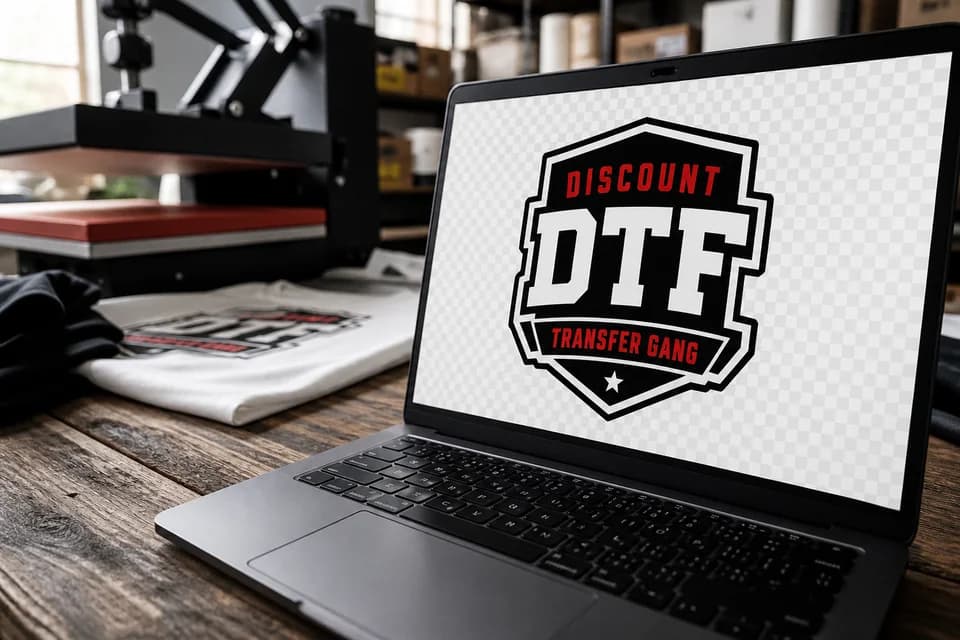
- RGB document → PNG + checkerboard transparency
- 300 DPI at the size you will press (1:1)
- Nest on the gang sheet builder
Then press with settings from the heat press guide. Peel behaviour: easy to apply.
Tracked shipping from Canadian production — rates · Canada overview.
FAQ
Should I always remove all antialiasing?
No. Soft fades that belong in the art stay. Accidental fringes from knockouts and auto-trace should go.
CMYK for DTF?
For our apparel workflow, design and export in RGB unless we say otherwise for a special job.
My edges still look soft after cleanup
Check DPI at final size. A clean edge on a 72 DPI file still enlarges soft.